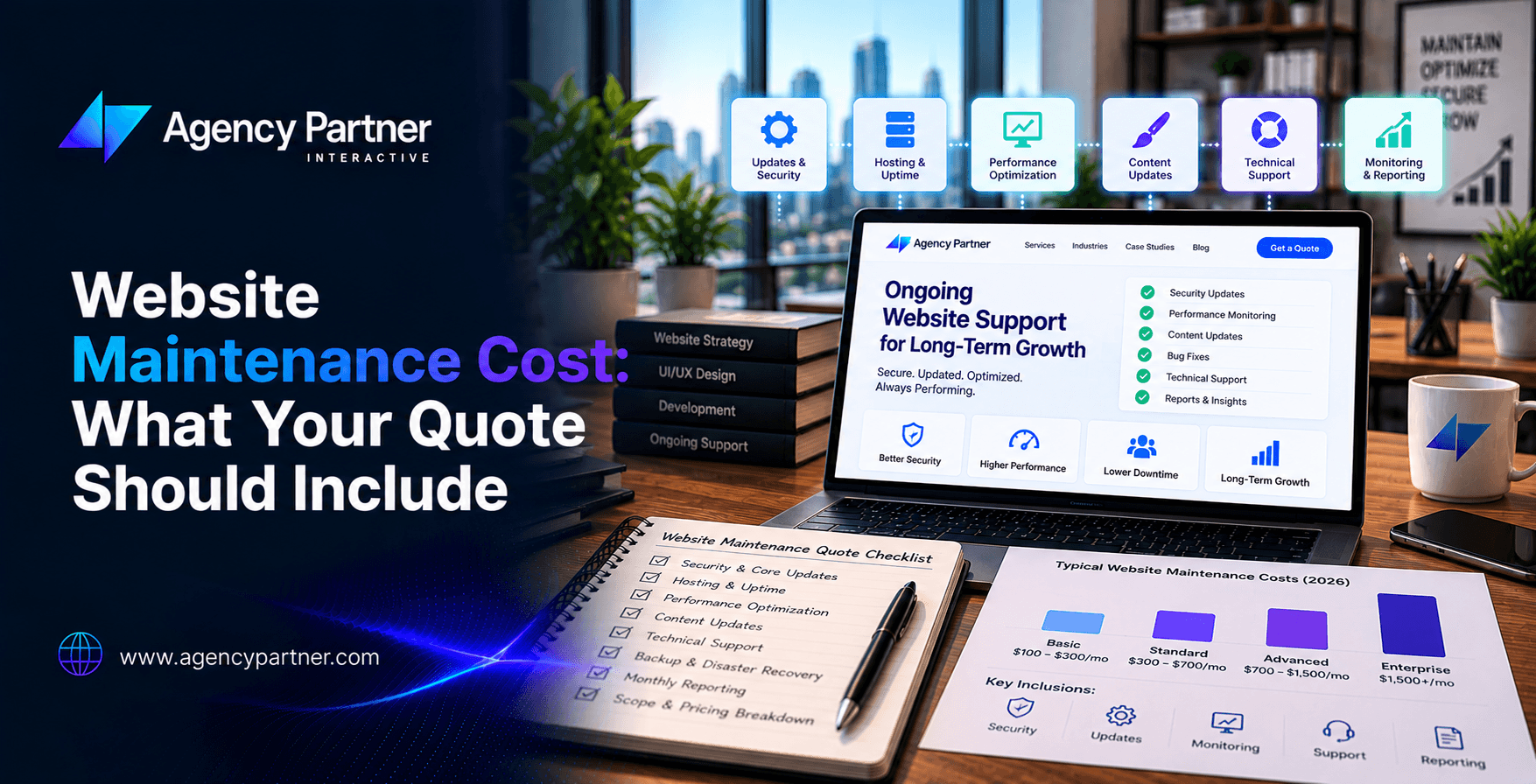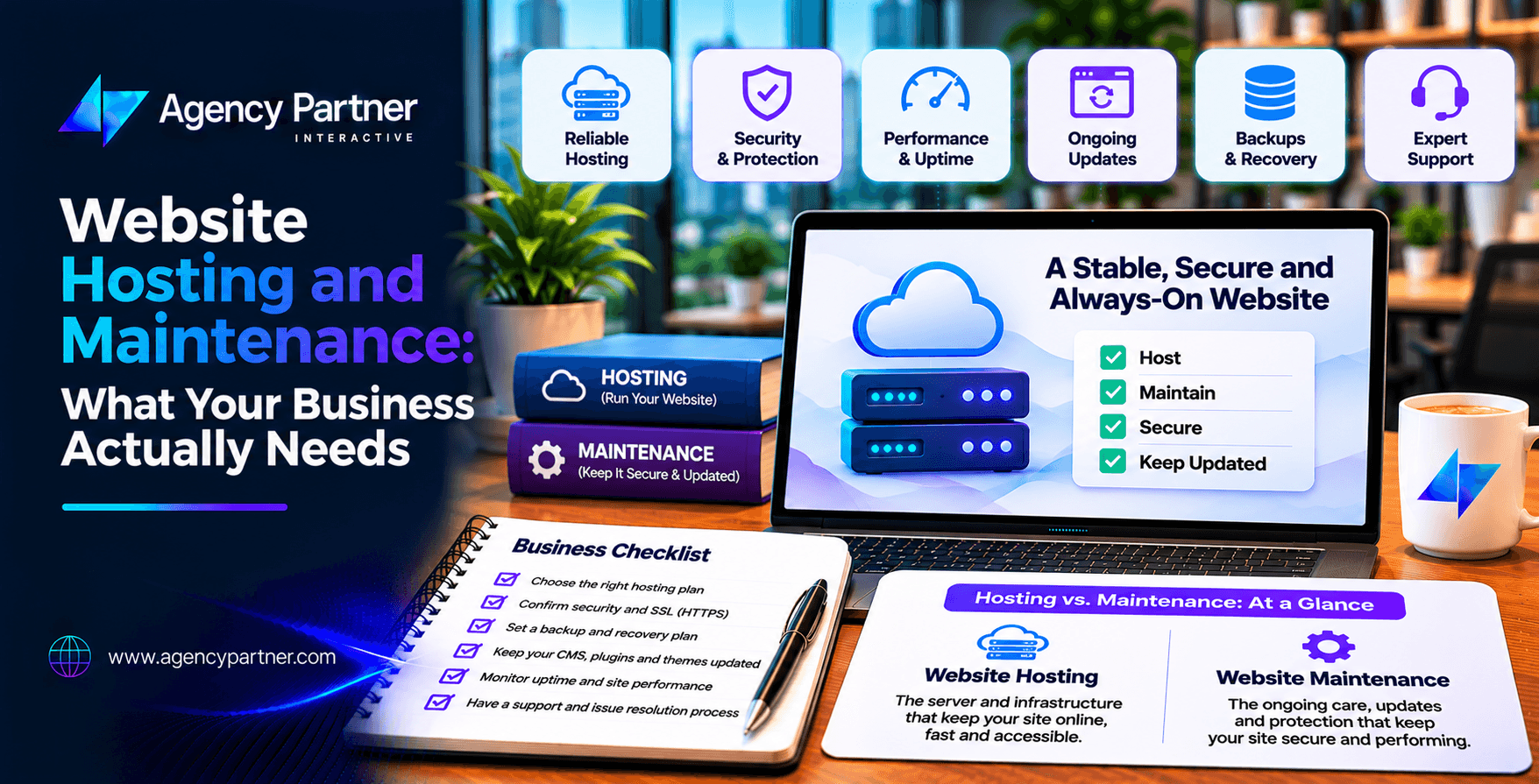
Website hosting keeps your website online. Maintenance keeps it secure, updated, and working as expected. Most businesses need both, but the services are not always included in one plan. The right website hosting and maintenance setup depends on your traffic, platform, security needs, and business goals.
Before choosing a provider, confirm who handles updates, monitoring, backups, recovery, and technical support. Clear responsibilities help prevent costly problems. Your website is live, your products are listed, and customers can reach your business online.
But who makes sure everything keeps working?
Your hosting provider may keep the server running, but that does not mean someone is updating plugins, fixing broken forms, or testing your checkout. Many businesses discover this difference only after something goes wrong. A slow website can frustrate visitors. A failed payment system can stop sales. An outdated plugin may create security risks.
Understanding website hosting and maintenance helps you choose the right support without paying for services you do not need. This guide explains hosting options, maintenance tasks, recovery planning, and the questions to ask before signing a contract.
What Is the Difference Between Website Hosting and Maintenance?
Website hosting provides the infrastructure needed to make your website available online. It includes server resources, storage, network access, and the systems that deliver your website to visitors. Maintenance involves keeping the website’s software, content systems, and important features working.
For example, your hosting provider may keep the server online while a WordPress plugin causes your contact form to fail. The server is available, but the website still has a problem. A website maintenance company may handle updates, security checks, backups, and repairs that fall outside your hosting agreement.
Some managed hosting plans include these tasks. Others cover only the server. Always check what your provider actually promises.
What Types of Website Hosting Are Available?
The right hosting option depends on website size, traffic, technical needs, and available resources.
Shared Hosting
Shared hosting places several websites on the same server. It is often affordable and suitable for small websites with limited traffic. However, server resources are shared, which can affect performance during busy periods.
VPS Hosting
A virtual private server provides allocated resources within a shared physical server. It offers more control than basic shared hosting. Businesses may choose VPS hosting when they need custom server settings or more predictable resources.
Dedicated Hosting
Dedicated hosting provides an entire physical server for one customer. It offers greater control but usually costs more. It may also require skilled technical management.
Cloud Hosting
Cloud hosting uses cloud infrastructure that can support flexible resource allocation. It can suit growing businesses and websites with changing traffic levels. However, cloud hosting does not automatically guarantee speed or unlimited capacity.
Managed Hosting
Managed hosting adds technical management to the hosting service. Depending on the plan, the provider may handle server updates, monitoring, security controls, and backups. For online stores, managed ecommerce hosting may also include platform-specific support. The exact services vary by provider, so review the agreement carefully.
Which Hosting Option Does Your Business Need?
A small service website and a busy online store have different requirements. A simple business website may work well on reliable shared or managed hosting. A growing website with custom features may need VPS or cloud resources.
An online store requires closer attention to payment processing, database performance, and order handling. For ecommerce hosting, the most important question is whether the environment can support your actual shopping activity.
Review normal traffic, seasonal demand, product counts, and integrations. Choose a plan that fits current needs while allowing room for growth.
What Maintenance Does a Business Website Need?
Hosting alone does not replace regular website care. A maintenance plan should cover the tasks needed to keep important features working.
Essential Website Maintenance Checklist
- Software updates: Keep supported CMS software, themes, and plugins current.
- Security checks: Review vulnerabilities, access controls, and suspicious activity.
- Backups: Save website files and databases on an agreed schedule.
- Restore tests: Confirm that backup copies can be recovered.
- Performance monitoring: Check speed, uptime, and major errors.
- Functional testing: Test forms, navigation, and important customer actions.
- Reporting: Record completed work, open issues, and recommended fixes.
This checklist should match your website’s complexity. An ecommerce store may need more frequent checks than a simple informational website.
Who Is Responsible for Hosting and Website Maintenance?
One of the biggest mistakes businesses make is assuming that the hosting provider handles every technical issue. In reality, hosting responsibilities depend on the service agreement.
For example, a provider may manage the server operating system but leave application updates to your development team. Your business may also be responsible for domain renewals, user access, and third-party subscriptions.
Hosting and Maintenance Responsibility Matrix
| Task | Typical responsible party |
| Physical server and network | Hosting provider |
| Server operating system | Provider or technical team, depending on plan |
| CMS and plugin updates | Maintenance provider or website owner |
| Website backups | Assigned provider or internal team |
| Restore testing | Assigned technical owner |
| Domain renewal | Business or designated account manager |
| Forms and checkout testing | Website support or development team |
| Content updates | Business or contracted support team |
These are common arrangements, not universal rules. Before signing, ask each provider to confirm its hosting responsibilities in writing. If two companies share the work, identify who takes the lead during an outage.
Why Are Website Backups Not Enough?
Backups help protect website data, but creating them is only the first step. You also need to know whether they can be restored. Backup restoration means recovering website files, databases, and settings from a saved copy.
For example, a business may have daily backups but discover that the latest copy is incomplete. Without testing, that problem may remain hidden until recovery becomes urgent. Ask how often backups run, where they are stored, and how long they remain available.
Also confirm whether copies are kept separately from the live website. A proper backup restoration test should show that the recovered website works, not just that the files exist. For stores that process orders throughout the day, recovery planning must also consider recent transactions.
What Recovery Targets Should You Ask About?
Two terms help businesses understand recovery expectations. Recovery Time Objective, or RTO, describes the target time for restoring a service after an outage. Recovery Point Objective, or RPO, describes the maximum acceptable amount of data loss measured in time.
For example, a four-hour RPO means the recovery plan is designed around losing no more than four hours of data. These targets should reflect business risk. A basic brochure website may accept longer recovery times than a store receiving orders every few minutes.
Your provider should explain how its backup schedule and recovery process support the agreed targets.
What Does Managed Ecommerce Hosting Include?
Online stores need more than a place to store website files. They depend on product databases, payment services, customer accounts, and order systems. Managed ecommerce hosting may provide server monitoring, platform support, performance tools, and backup management.
Some plans also offer staging environments and help with technical updates. However, managed does not always mean fully maintained. A hosting provider may support server performance while excluding custom checkout problems or third-party integrations.
Before choosing ecommerce hosting, ask who will test payments, monitor errors, and handle failed updates. For platforms such as Shopify, some hosting functions are part of the platform service. Custom integrations and storefront changes may still need separate support.
How Do Hosting and Maintenance Affect Website Performance?
Website speed depends on several factors. Hosting resources matter, but so do images, scripts, themes, databases, and third-party tools. Moving to a more expensive server will not always fix a slow website.
Start by measuring performance. Google’s Core Web Vitals assess loading, responsiveness, and visual stability. Review important pages, especially mobile product pages and checkout.
A strong website hosting and maintenance plan should include performance checks and a process for fixing problems. The goal is to improve the experience visitors actually receive.
What Security Features Should Your Hosting Plan Include?
Security requires work from both the hosting provider and the website owner. Your provider may offer firewalls, server monitoring, and infrastructure updates. Your website team may still need to manage plugins, user permissions, and application security.
For ecommerce businesses, payment handling adds another layer of responsibility. Using a payment provider does not remove every security obligation. Ask how your provider handles security incidents, access control, and software vulnerabilities.
A reliable website maintenance company should explain which security tasks are included and which remain your responsibility.
How Much Do Hosting and Maintenance Cost?
Costs vary based on the hosting environment, website complexity, and support level. Basic shared hosting may have a low monthly price. Managed plans, dedicated resources, and advanced technical support generally cost more.
Maintenance may be billed separately as a monthly plan or hourly service. When comparing providers, review the total annual cost. Include hosting, backups, security tools, software licenses, monitoring, updates, and emergency support.
For managed ecommerce hosting, ask whether seasonal traffic, extra storage, or higher usage can increase fees. The cheapest plan may not be the best value if essential services cost extra.
How Do You Choose the Right Hosting and Maintenance Partner?
Start by defining your website’s business role. Does it generate leads, process orders, or support customer accounts? Then review the provider’s technical experience, service coverage, and response process.
Ask for clear support hours and issue escalation procedures. Confirm account ownership and how your website can be transferred if you change providers.
A good website maintenance company should help you understand your risks and support needs without forcing unnecessary upgrades. Choose a provider that can explain both what it handles and what it does not.
How Agency Partner Interactive Can Help
Your website should support your business long after launch. Agency Partner Interactive provides web development services covering website development, integrations, testing, migrations, and post-launch support.
For online retailers, its ecommerce website development services focus on shopping experiences, payments, inventory connections, and store functionality. Agency Partner Interactive can help businesses assess website requirements and plan technical improvements.
Share your website platform, hosting setup, and support needs with Agency Partner Interactive. The team can discuss your current challenges and possible next steps.
Final Thoughts
Choosing hosting is only part of keeping your website reliable. Your business also needs updates, security checks, backups, testing, and clear support arrangements. The right website hosting and maintenance setup depends on what your website does and how much downtime your business can tolerate.
Review service agreements carefully and confirm ownership before committing. A clear plan helps protect your website, customer experience, and long-term growth.
Frequently Asked Questions
-
What is the difference between website hosting and maintenance?
Hosting provides the server resources that make a website available online. Maintenance covers updates, security checks, backups, testing, and repairs. Some managed plans combine both, but coverage varies by provider.
-
Does web hosting include website maintenance?
Not always. Many hosting plans cover server infrastructure but exclude CMS updates, plugin repairs, and custom website issues. Review the service agreement to confirm what is included and who handles application support.
-
What hosting does an ecommerce website need?
An ecommerce website needs reliable performance, security, database support, and capacity for expected traffic. The right plan depends on the platform, order volume, integrations, and how much technical management the business requires.
-
How often should a business website be backed up?
Backup frequency should reflect how often the website changes and how much data loss the business can accept. Busy stores may need frequent backups, while static websites may require fewer copies.
-
Who is responsible for restoring a website after an outage?
Responsibility depends on the agreement between the business, hosting provider, and maintenance team. Assign a recovery owner in advance and confirm who restores files, databases, and services after an incident.
-
Do I need a website maintenance company if I have managed hosting?
Possibly. Managed hosting may cover server tasks but exclude website updates, custom integrations, or functional testing. Compare the hosting agreement with your website’s needs to identify any support gaps.