A customer finds the right product, selects a size and reaches checkout. Then the store asks them to call for a delivery quote. A wholesale buyer has a different problem: they cannot see their agreed prices without emailing a sales representative. Both journeys can lose orders, but they need different solutions.
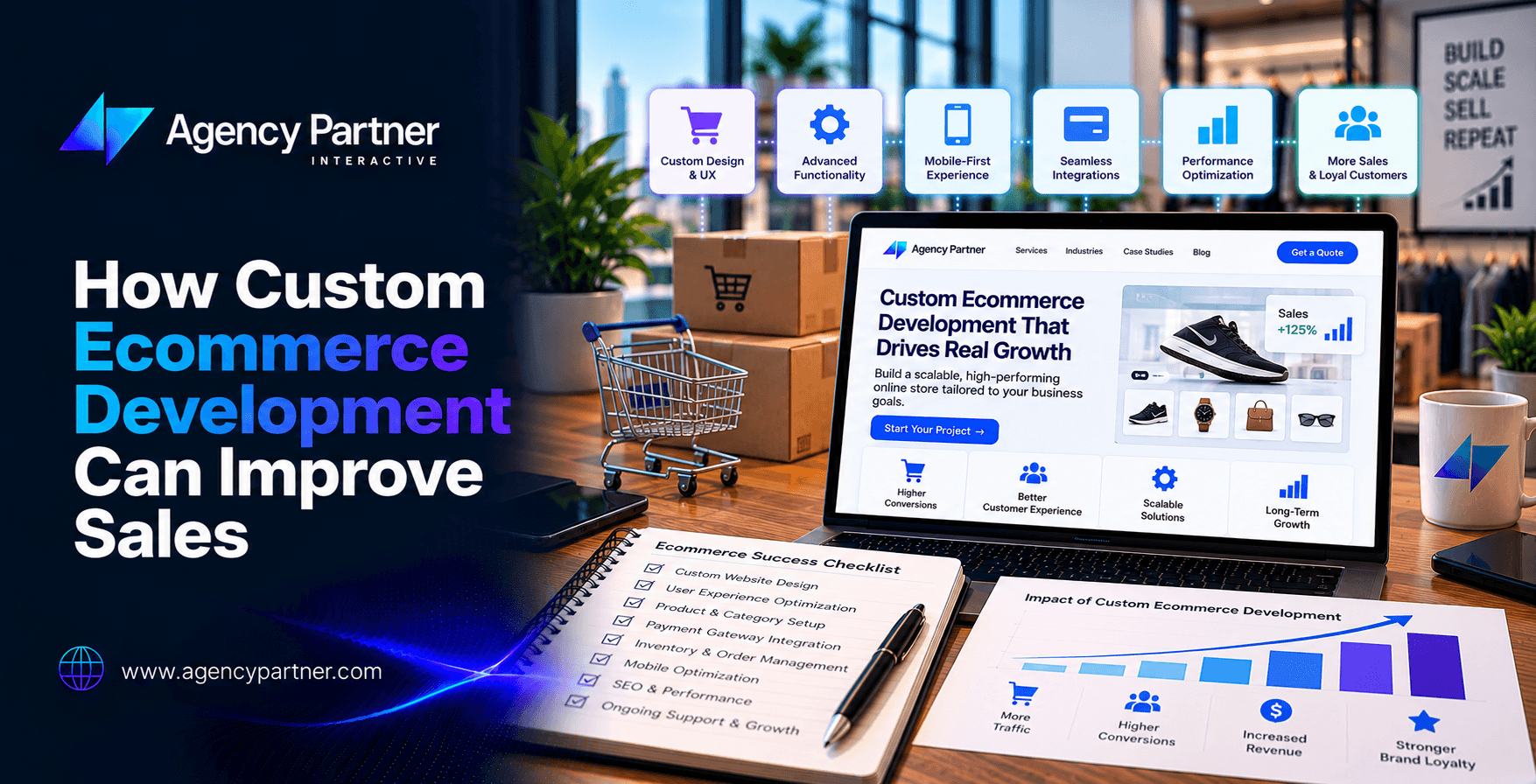
Custom ecommerce development can improve sales when it removes a specific obstacle to buying or repeat ordering. The value comes from the problem solved, not from replacing a standard storefront with more complicated software.
A custom ecommerce web app can be a tailored customer portal, product configurator or ordering workflow connected to an existing commerce platform. It does not have to replace every part of the store. This guide explains which capabilities may justify the investment, how to evaluate their business impact and when a smaller change is enough.
What does a custom ecommerce web app add?
A standard storefront usually supports browsing, product selection, payment and order management. Custom application functionality becomes useful when the purchase requires rules that the existing setup cannot handle well.
Examples include account-specific catalogues, complex product options, purchasing approvals, recurring orders and delivery calculations across multiple warehouses. A custom design changes how the store looks and communicates; a custom application changes what customers and staff can do.
For the implementation process, see our custom ecommerce application development guide. This article focuses on deciding which changes deserve investment and how to assess their effect on sales.
Match the feature to the buying problem
Start with customer conversations, support tickets, order records and observed shopping behaviour. A feature request such as “add personalization” is too broad. A useful requirement identifies who is struggling, what they cannot complete and how you will know the change helped.
| Observed problem | Possible capability | Outcome to evaluate | Guardrail |
|---|---|---|---|
| Customers cannot find compatible products | Compatibility filters or guided selection | Product discovery and completed suitable orders | Returns caused by incorrect recommendations |
| Complex orders require repeated emails | Configuration and quotation workflow | Accepted quotes and time to order | Pricing errors and fulfilment exceptions |
| Shoppers abandon checkout after unexpected charges | Earlier delivery and cost information | Checkout completion | Margin after delivery and discounts |
| Business buyers cannot order at agreed terms | Account pricing and approval controls | Completed business orders | Unauthorized access to prices or credit terms |
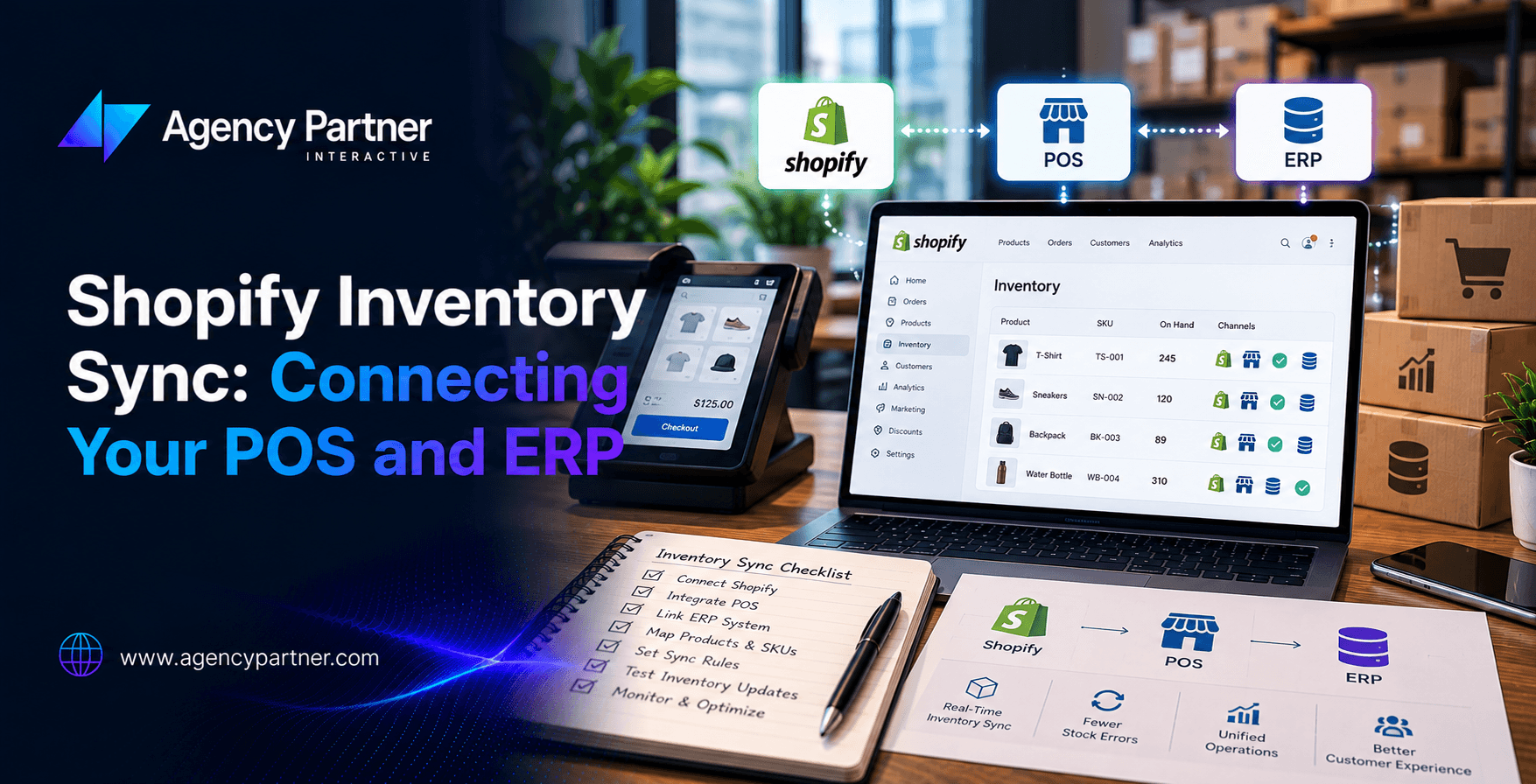
| Orders contain unavailable stock | Inventory and order-system integration | Fewer stock-related cancellations | Incorrect availability when a connection fails |
| Returning buyers repeat the same manual work | Saved lists and reorder tools | Repeat ordering within the buying cycle | Outdated prices or unavailable items |
1. Help customers find the right product
A large catalogue is difficult to shop when filters do not reflect how customers make decisions. A parts supplier may need compatibility checks. A furniture store may need dimensions and material filters. A clothing retailer may need consistent size information.
Guided selection is worthwhile when it reduces uncertainty that currently prevents a suitable purchase. Record common unsuccessful searches, review support questions and test the proposed filters with shoppers before implementing a complex recommendation system.
Use UI/UX design services to evaluate whether the journey is understandable. For public catalogue pages, preserve useful navigation and stable links. Google’s ecommerce navigation guidance explains why products should be discoverable through links rather than only through a search box.
2. Make complex products easier to quote and order
Some products cannot be sold through a simple colour-and-size selector. Buyers may need to combine components, choose measurements or request terms for a large order. An application can validate compatible selections and explain the next step.
The interface should distinguish an estimate from a confirmed price. If a salesperson must review the request, show that clearly. Store the selected configuration so the customer and sales team do not have to reconstruct it across several emails.
For these workflows, web application development services can connect customer inputs with validation, quotation and approval rules. Evaluate accepted quotes and completed orders alongside the staff time required to process them.
3. Remove avoidable checkout friction
Before commissioning a new checkout, investigate the current one. Unexpected costs, unclear delivery dates, confusing form errors or a broken payment option may explain the problem. A configuration fix can be more appropriate than a custom build.
Show relevant delivery and collection choices before the customer commits. Preserve entered information after recoverable errors and explain how to resolve them. Test the full journey on the devices and browsers your customers use.
Our mobile shopping and checkout testing guide covers these checks in detail. When changes require implementation, scope the relevant web development services around a defined problem rather than an unspecified conversion promise.
Review ecommerce page performance if pages respond slowly or controls shift during use. Google’s Core Web Vitals guidance covers loading, responsiveness and visual stability. Improving these measures does not by itself prove an increase in completed sales.
4. Support business buyers with the right account experience
A business customer may need negotiated prices, several purchasers, order approvals and access to previous invoices. If those tasks require manual assistance for every purchase, a customer portal may remove a recurring obstacle.
Define which users can see each catalogue, place orders or approve spending. Confirm how prices, taxes and payment terms are calculated. Test that one account cannot access another account’s orders or commercial information.
Specialist ecommerce software development services can support these rules when they exceed the practical capabilities of the current setup. Measure order completion and processing effort, while checking for incorrect prices and approval exceptions.
5. Connect the storefront to reliable operational information
A polished interface cannot compensate for unreliable stock or delivery information. If a storefront accepts orders that the warehouse cannot fulfil, the business may gain recorded purchases while losing revenue to cancellations and support work.
Identify which system controls stock, prices, customer records and order status. Decide how often information updates and what the shopper sees when a connection is unavailable. Include cancellations, refunds and partial shipments in the design.
Our guide to APIs in web application development explains how systems exchange information. For the business case, compare stock-related cancellations, order corrections and fulfilment exceptions before and after the change. A faster data feed is useful only if it improves the reliability of the buying promise.
6. Make repeat purchases convenient
A returning customer should not have to rebuild a regular order from memory. Saved lists, account history and reorder options can reduce that work for products with a repeat buying cycle.
Check current prices and availability when a customer reorders. Do not silently substitute products or add recurring charges. A repeat order still needs clear terms and a dependable confirmation.
Evaluate repeat purchase behaviour over a period that fits the product. A weekly replenishment item and an occasional equipment purchase should not share the same retention target. Coordinate the experience with the acquisition and follow-up work described in our digital marketing guide for retailers.
When should you extend Shopify or WooCommerce instead?
Custom development is an implementation choice, not a requirement for every growing store. Existing platform features, a suitable extension or a focused integration may solve the problem with less maintenance responsibility.
| Situation | Approach to evaluate first |
|---|---|
| Standard catalogue, checkout and promotions | Existing platform configuration and suitable extensions |
| A small number of unsupported workflows | Targeted application components and integrations |
| Specialized purchasing rules across several systems | A custom portal or application with a defined integration scope |
| Unclear requirements or uncertain customer demand | A prototype or limited pilot before a larger commitment |
Compare Shopify development services and WooCommerce development services against your written requirements. Evaluate platform restrictions, extension compatibility, operating costs and the skills needed for support.
If appearance and communication are the main issues, our custom ecommerce design versus templates guide addresses that separate decision. A new visual design does not automatically require a new application architecture.
Build the investment case around incremental value
Estimate the benefit of the specific change, not the value of every sale the website processes. Separate additional orders, avoided cancellations and staff time saved. Do not count the same improvement in several categories.
For a hypothetical example, suppose a feature produces 20 additional fulfilled orders per month and each contributes $30 after the variable costs included in your model. That represents $600 in additional monthly contribution. If the feature adds $200 in monthly operating costs, $400 remains toward recovering its build cost and covering other business costs. These are illustrative assumptions, not a forecast.
Include discovery, implementation, data work, testing, migration, training and ongoing support in the estimate. Compare a conservative scenario with your expected case. If the investment only works under very optimistic assumptions, reduce the scope or gather better evidence.
Measure whether the change actually helped
Write down the hypothesis before release. For example: approved buyers can place a repeat order without contacting sales, with no increase in pricing errors. Choose a primary measure and a guardrail that could reveal harm.
Configure relevant ecommerce events and compare them with completed order records. Google’s GA4 ecommerce documentation explains the implementation needed to collect meaningful purchase information. A recorded checkout event is not the same as a fulfilled, profitable order.
Where appropriate, compare a controlled test with the existing experience. Otherwise, document changes in promotions, traffic sources, stock, prices and seasonality when interpreting the result. A simple before-and-after comparison cannot isolate the application’s effect from everything else that changed.
Start with one valuable workflow
Choose the smallest release that can test the business case. A repeat-order tool for one customer group may provide better evidence than a complete platform replacement. MVP development services can help define that initial scope.
Our low code MVP guide is useful when comparing prototype approaches. Check integration, access control and operational requirements before using a prototype for live transactions.
Before release, use a documented website launch checklist and agree who monitors failed orders, data problems and support reports. Keep a recovery plan and clear ownership of ongoing maintenance.
Frequently asked questions
Does a custom ecommerce web app guarantee more sales?
No. It can improve a specific buying journey, but demand, pricing, stock, delivery and customer trust still affect the result. Validate the problem and measure the change against its full costs.
Is a custom web app the same as a mobile app?
No. A web app runs through a browser. An installed mobile app is a separate delivery approach. Choose based on customer tasks and usage, not the assumption that an app automatically improves loyalty.
How much does custom ecommerce development cost?
The scope determines the estimate. A focused integration and a multi-system ordering portal require different work. Request comparable proposals covering the same requirements, exclusions, operating costs and support responsibilities.
Can the existing store stay in place?
Often, yes. Evaluate whether a targeted feature or integration can work with the current platform. A full migration should have its own business justification and a plan for data, public URLs and operational continuity.
Which feature should be developed first?
Prioritize a frequent, important buying problem with evidence behind it, a measurable outcome and a manageable implementation. Avoid choosing a feature solely because competitors advertise it.
Scope the application around a sales problem you can verify
Agency Partner Interactive offers ecommerce website development services for businesses evaluating storefront requirements and connected workflows. Bring your current platform, customer friction points and order data to an ecommerce project discussion. The first useful outcome is a clear problem statement and an implementation scope you can assess.